1
Host-created access session
The host chooses the vehicle, trip start/end, guest phone, marketplace label, pickup instructions, and physical-key fallback copy.

Product tour
The product is split into two surfaces: the host creates and audits sessions in Levy Fleets, while the guest opens a focused pass for verification, commands, and fallback support.
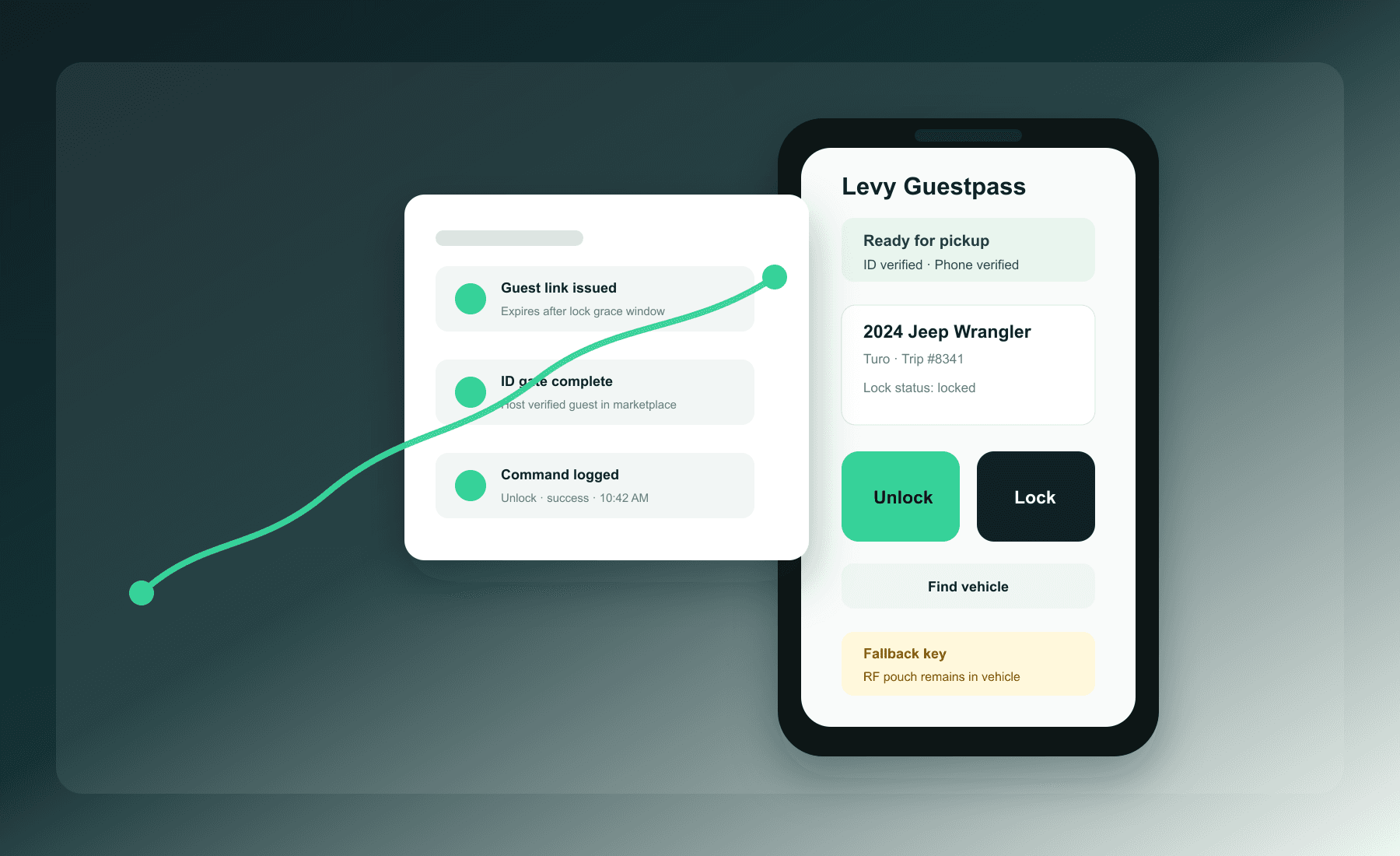
The host chooses the vehicle, trip start/end, guest phone, marketplace label, pickup instructions, and physical-key fallback copy.
Guestpass does not unlock before the host marks marketplace or direct-rental ID verification complete.
The guest action routes through the vehicle path already configured in Levy Fleets, including Smartcar/OEM, Uconnect, Linka, or hardware paths where available.
Page views, OTP attempts, denied commands, successful commands, provider failures, support overrides, and revocations stay attached to the session.
Guest app screenshots
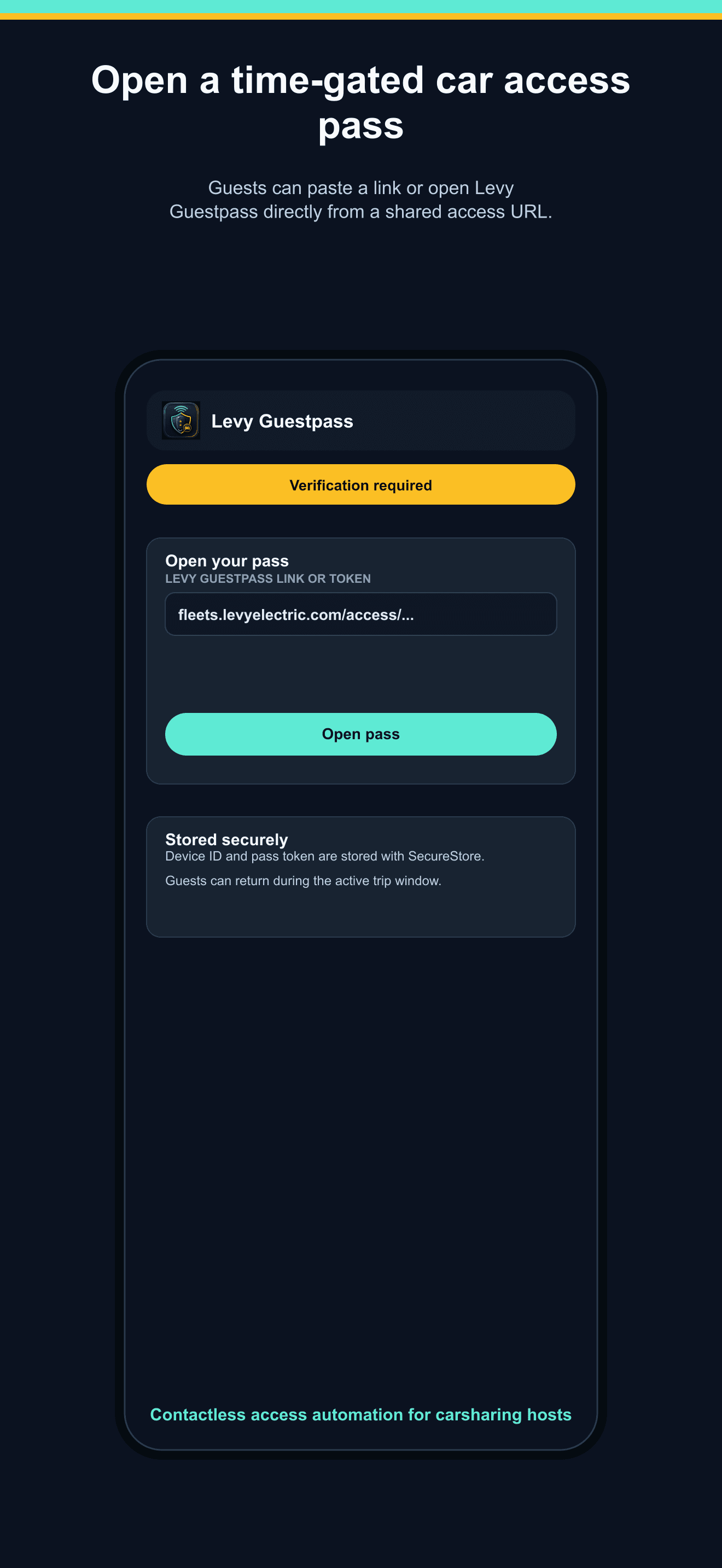
Guests see the vehicle, access window, verification status, and the next required step before any command button is emphasized.
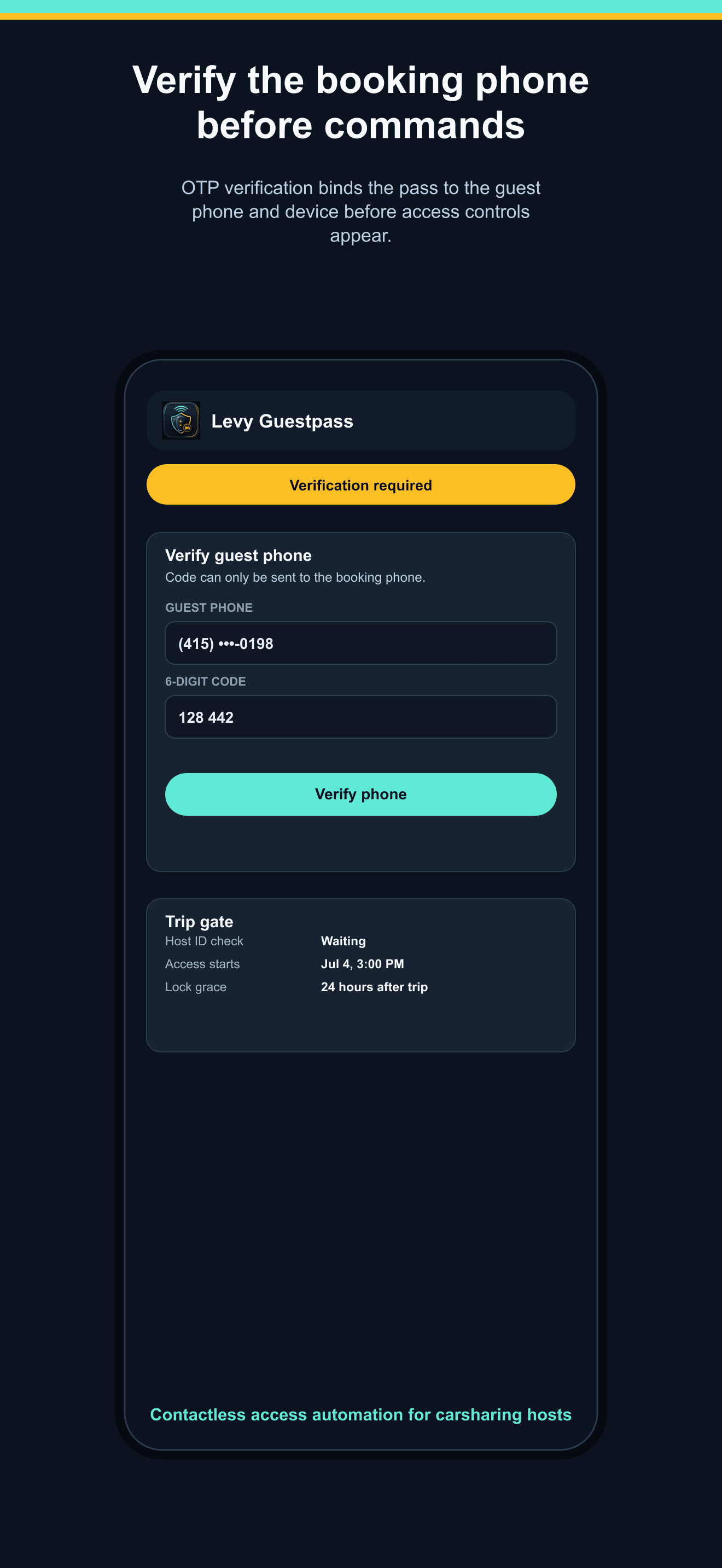
The pass verifies the guest phone number before command access, which helps reduce forwarded-link and wrong-recipient risk.
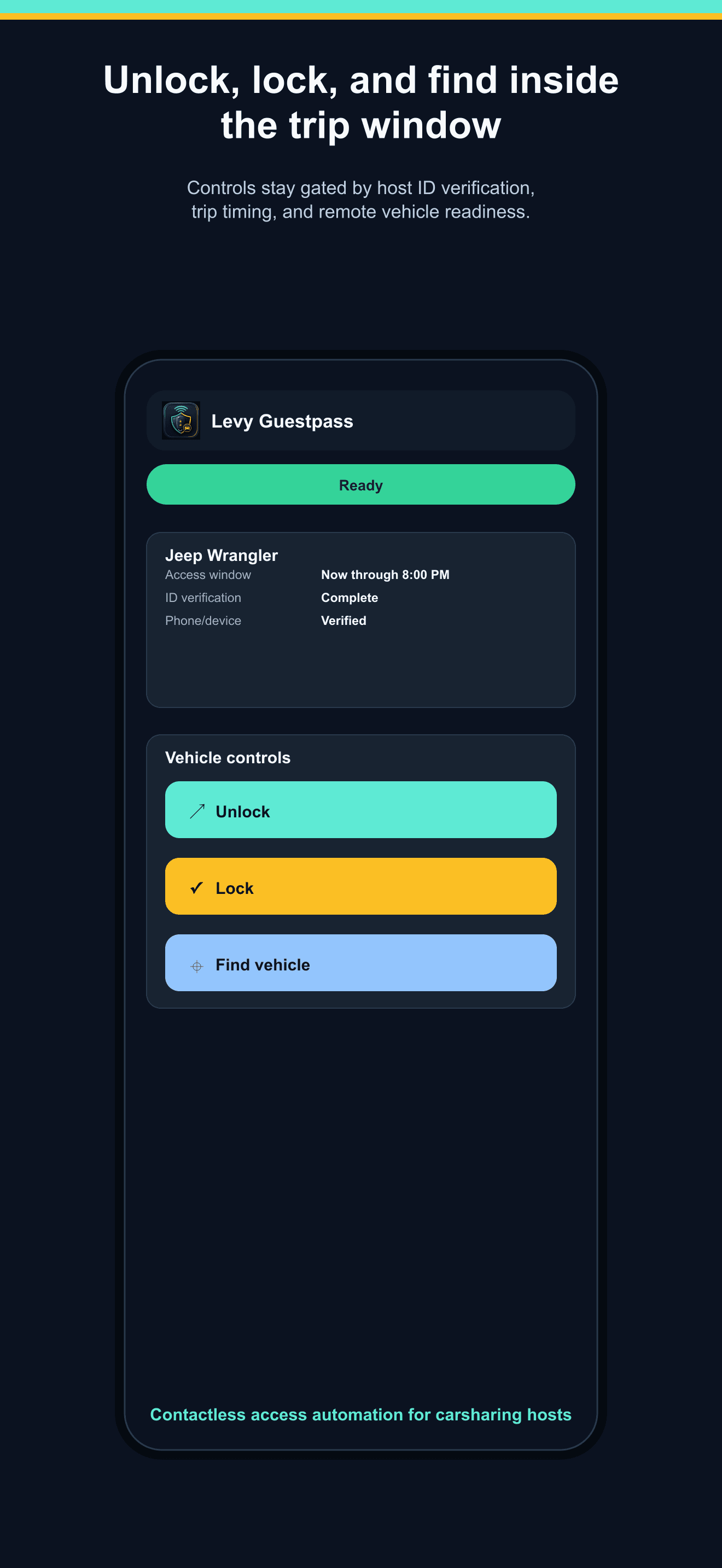
Unlock, lock, and find-vehicle actions are shown only after the session, phone, device, ID gate, and time window allow it.
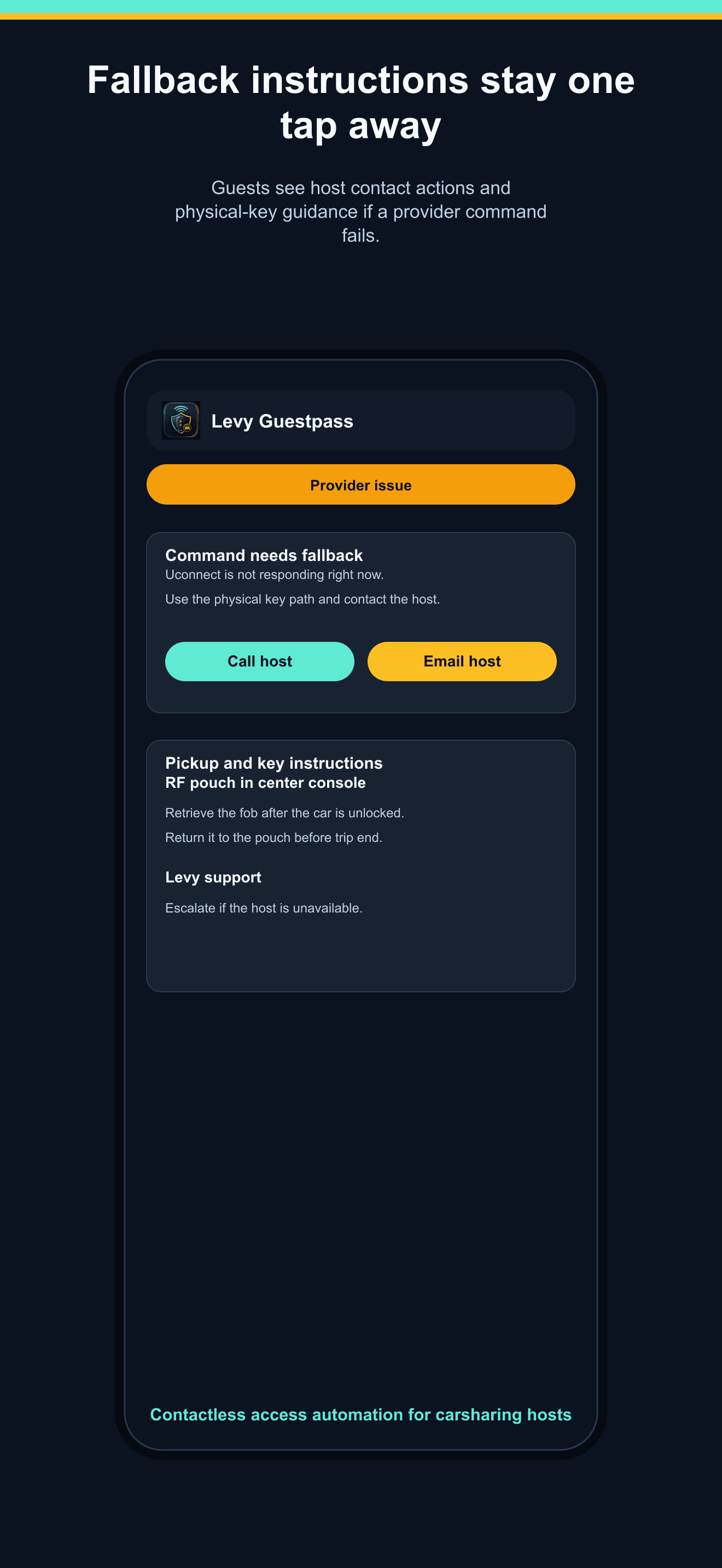
When provider commands fail or a physical fob is required, guests see fallback instructions and support actions without leaving the pass.
Try it with your vehicles
Tell us your vehicle provider, marketplace workflow, fallback key process, and pilot timing.